PARennial Golf - HomePARennial Golf
  • Home
  • Schedule a tourOpens in a new tab
PARennial Golf Logo - Green to White

Treat yourself like a tour pro.

Facebook
Instagram
X
TikTok
LinkedIn

Home

  • Locations
  • App
  • Courses
  • Competitions
  • Membership

Support

  • Contact us
  • FAQs
  • How it works
  • Schedule a tour

Company

  • Blog

Legal

  • Terms of service
  • Privacy policy
  • Cancellation policy

Find a Golf Simulator

  • Golf simulator near Wicker Park
  • Golf simulator near West Loop
  • Golf simulator near Fulton Market
  • Golf simulator near Lincoln Park
  • Golf simulator near Old Town
  • Golf simulator near Gold Coast
  • Golf simulator near River North
  • Golf simulator near Logan Square
  • Golf simulator near Roscoe Village
  • Golf simulator near River West
  • Indoor golf near me
  • Golf sim near me

© 2026 PARennial Golf LLC. All rights reserved.

    Home/Learning Center/Booking a bay

    Booking a bay

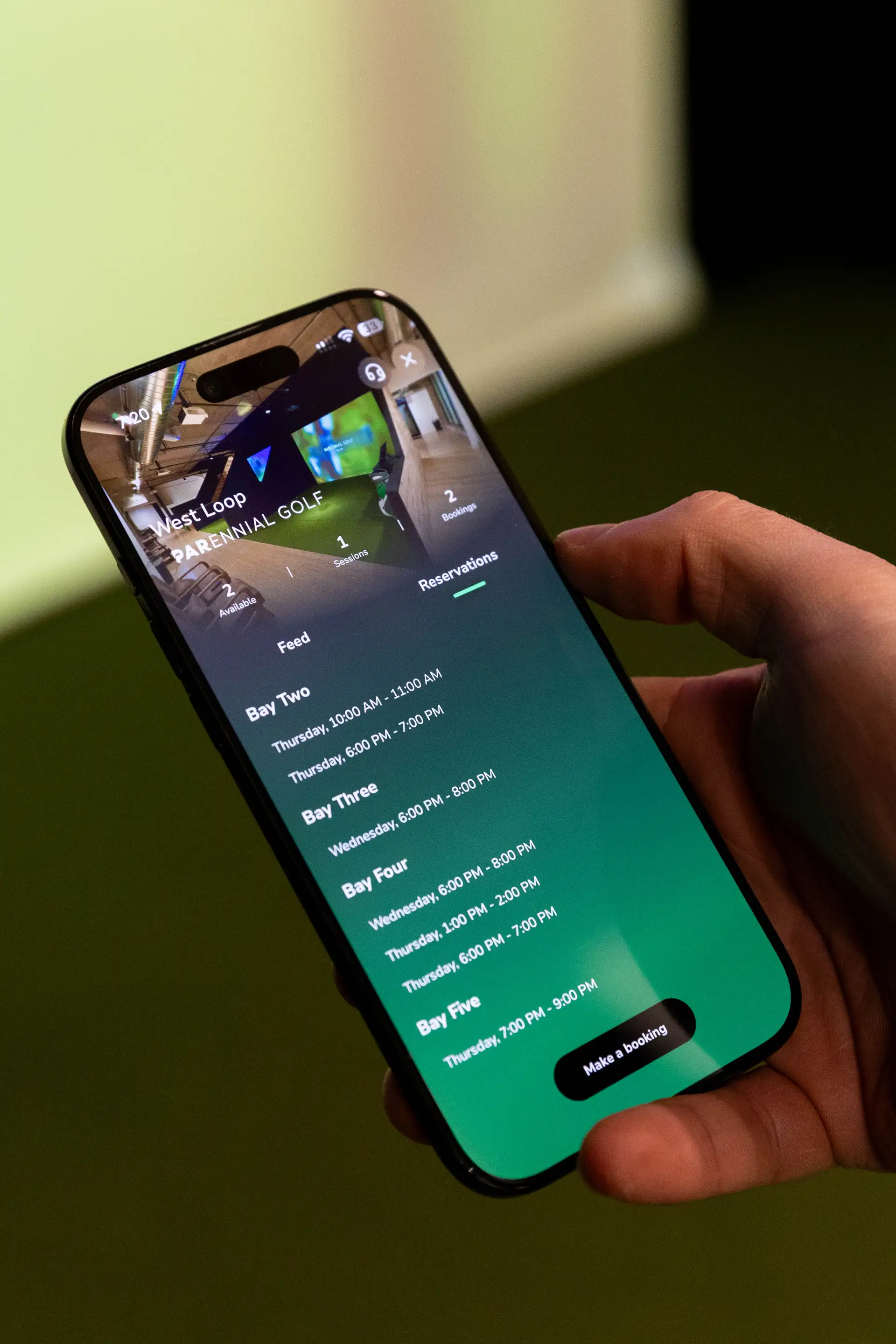
    Bookings guarantee you a bay for a specific time. Bookings always take precedence over walk-ins.

    Your booking hours come in two types: Flex and Unrestricted. You get 2 Flex hours per week, refreshed every Monday, and a minimum of 4 Unrestricted hours per billing cycle. Over a typical 4-week cycle, that adds up to 12 total booking hours.

    When you book for a future day, the system uses your Flex hours first. If your Flex balance for that week is already used, it falls back to your Unrestricted hours. Same-day bookings always use Unrestricted hours — Flex cannot be used for same-day.

    To get the most out of your hours, plan ahead whenever possible. The system is designed to reward advance planning by preserving your Unrestricted balance for when you need the flexibility of same-day booking.

    Once a booking is confirmed, all bookings are treated equally. There is no difference in priority based on the hour type that was used.